

Your autonomous
AI Music Video team
Upload a track, describe the mood, and let Director, Analyst, Writer, Visuals, and Audio assemble a coherent music video with synchronized lips and editing logic.
Published Projects
Made with FramePulse
The latest projects creators chose to share publicly.
Beyond music videos
FramePulse started with AI music-video production, but the same guided workflow works for many visual formats: references, scripts, editing timeline, sound, effects, and final render in one place.

Music videos
Beat-aware storyboards, shot planning, lip synchronization, visual references, and generations ready for the editing timeline.

Ads & promos
Fast product concepts, social-first edits, brand moodboards, variants, and final clips for campaigns.

Architecture
Atmospheric walkthroughs, facade reveals, interior moods, real-estate teasers, and concept visualization.
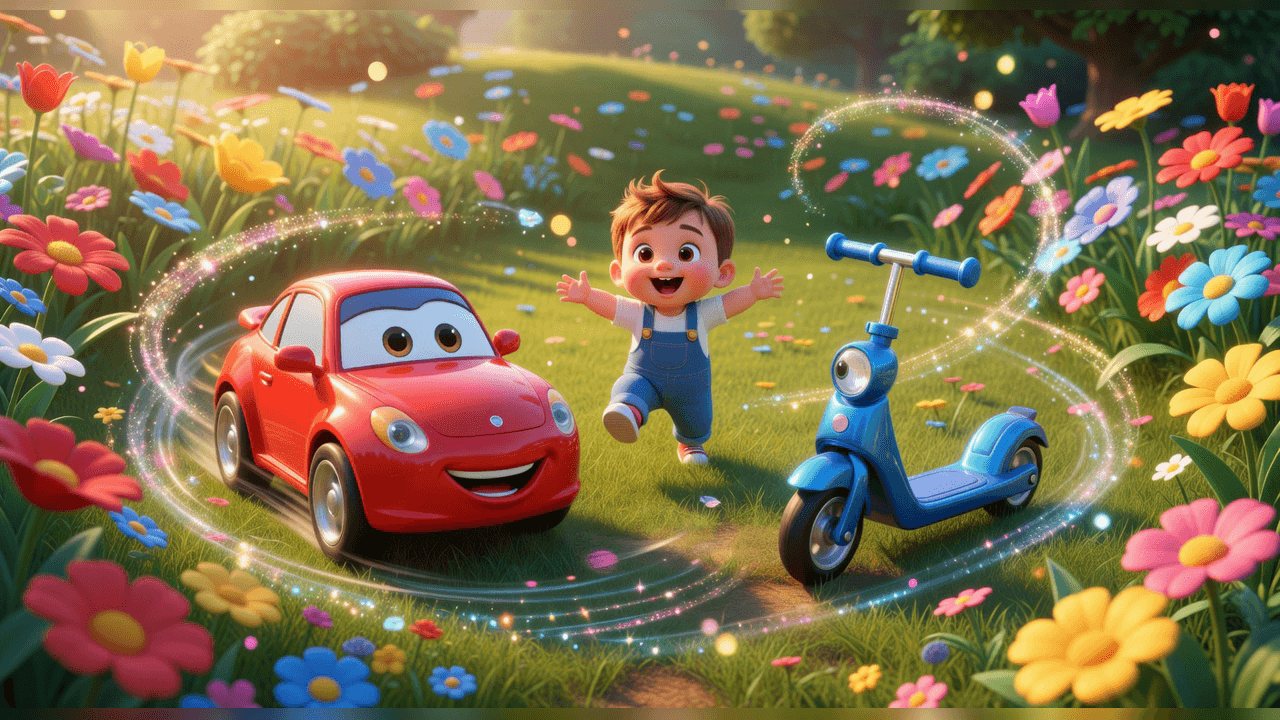
Kids cartoons
Short animated stories with reusable characters, safe visual worlds, narration, sound effects, and episode-style structure.
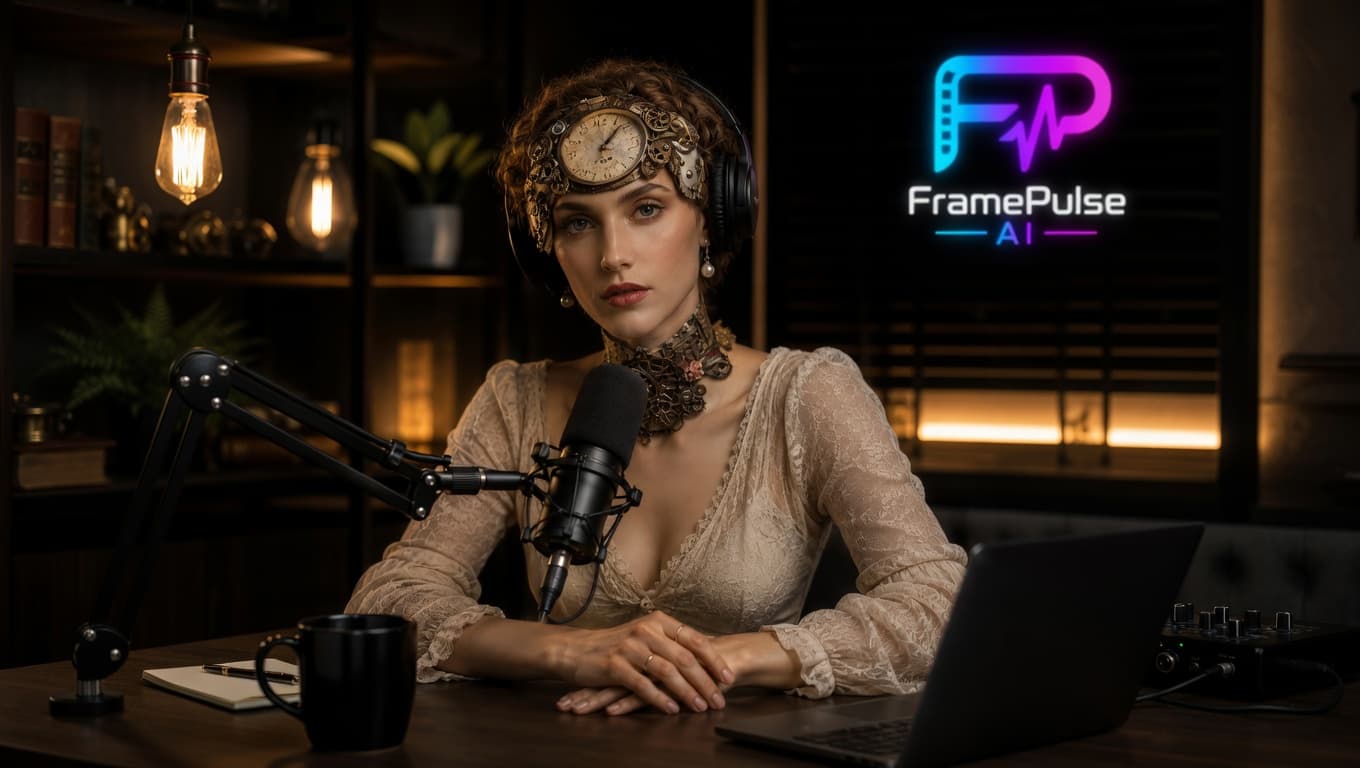
AI podcasts
Long videos from one continuous shot with a speaking host or character. Great for podcasters, explainers, and virtual presenters.
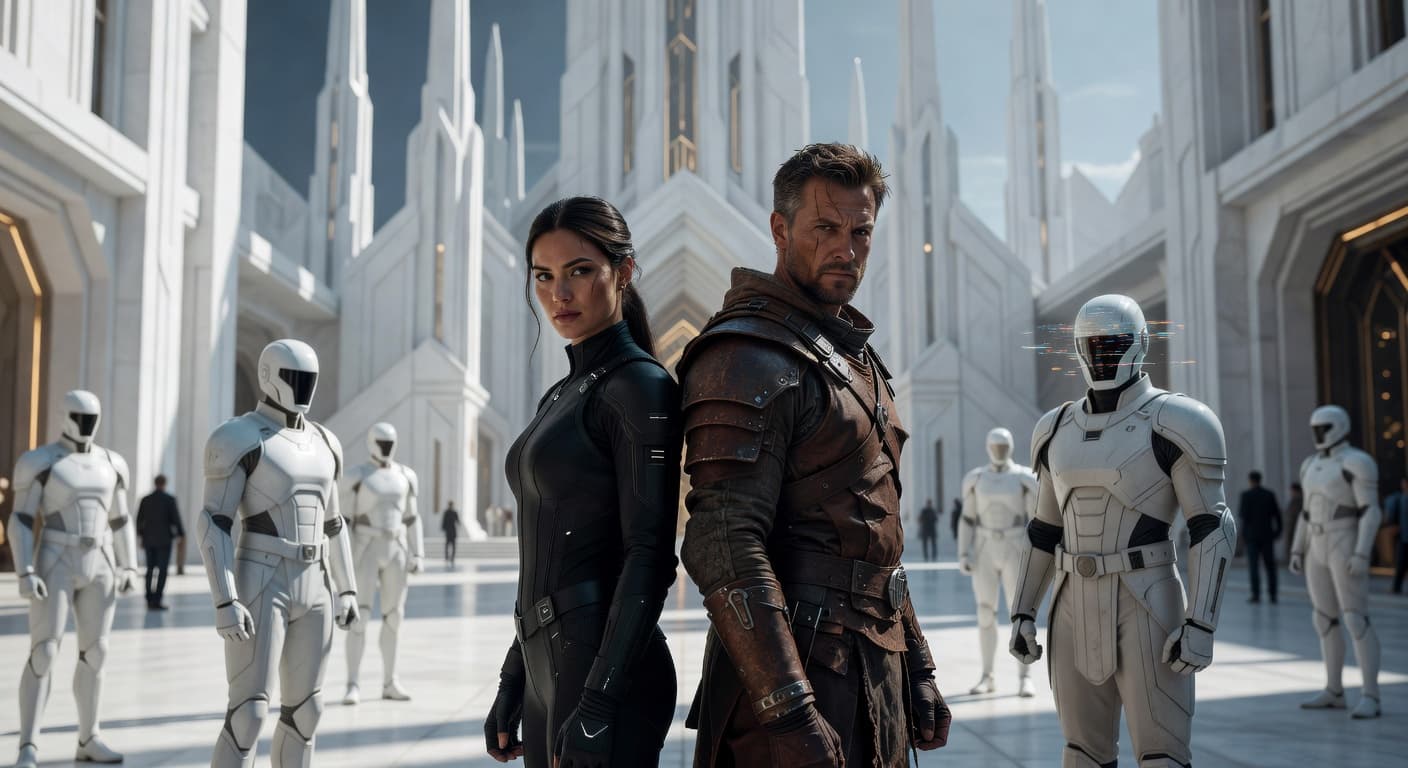
Book trailers
Cinematic trailers for novels, scenes, characters, worlds, and atmospheric teaser campaigns.
A complete creative studio online
Everything for creating and editing videos in one service, without switching between chats, generators, and editing tools.
AI Director
A digital project lead that keeps the creative direction consistent, plans shots, and coordinates the visual team.
Analyst
Studies music, storyboards, scene structure, and references, then gives clear suggestions to the Writer and Director.
Writer
Turns ideas, references, and analyst notes into scenes, story logic, and production-ready prompts.
Visuals
Creates images and video shots, keeps the project style consistent, and prepares visual materials for editing.
Audio
Works with music, speech, sound effects, and timing so the final video feels connected to the track.
For creativity without long text prompts.
FramePulse AI Studio is built around familiar editing logic. You create a video, replace takes, tune scenes, and adjust lip synchronization.
- Director-driven generation flows
- Synchronized lips for music or speech
- Editing timeline for scenes and music
- Context-aware clip replacement & variants
- Visual team for images and videos
I've analyzed the script. I'm asking the visual team to create a wide city shot in a neon style.
Generating an image for shot 4 in the project materials and keeping the project style consistent.
Generation prices in credits
Credits are charged only after a successful generation.
AI tools
Show all 20+
Legal entity details
FramePulse services for the international audience are provided by EditLane Media OU.
Ready to produce your next track?
Register to receive an account activation link and bonus credits by email.
Frequently asked questions
What is FramePulse and who is it for?
FramePulse is an online studio for creating videos from an idea to a finished clip. It is made for creative people such as musicians, bloggers, and marketers who have an idea, but do not want to deal with dozens of separate programs and services.
How much does it cost and how do credits work?
We use credits that you spend on generation. You buy one of the packages:
For example, creating a quality image costs 6 credits, and one second of video costs from 6 to 10 credits, depending on the selected model.
- Starter (1,200 credits) — 990 RUB
- Creator (4,000 credits) — 2,990 RUB
- Studio (15,000 credits) — 9,900 RUB
How is FramePulse different from Midjourney, Grok, and other AI tools?
The main difference is that FramePulse is not a single AI model. It is a creative studio that brings multiple models together. You do not need to switch between services: you can choose the AI model you need, for example Grok for video, while creating a project and change it during the process.
We give you one interface and an AI Director so you can manage the whole project, not just separate images.
What is the AI Director?
It is your main AI assistant. It analyzes your music and idea, suggests the video structure and storyboard, keeps the style consistent, and automatically sets tasks for the AI model you choose.
What is the difference between the Project Library and the Editing Timeline?
Simple: the Library is your storage where all generated images and videos are kept. The Editing Timeline is your workspace where you place only the best materials in the right order to assemble the final video.
I registered, but did not receive an email. Where is my link?
Please check the Spam and Promotions folders in your mailbox. The account activation and bonus email often lands there.
Who owns the rights to the created video?
All rights to videos you create on our platform belong to you. You can use them for personal and commercial purposes.
How long can AI-generated videos be?
The final length depends on the project structure, selected models, and available credits. You can assemble a video from multiple generated scenes and extend the timeline step by step.
Which languages are supported?
The interface supports Russian and English. For scripts, prompts, voice, and music-video ideas, you can work with the languages supported by the selected AI models.
Can I edit the script suggested by AI?
Yes. The AI suggests a structure, scenes, and prompts, but you can rewrite the script, replace scenes, adjust references, and regenerate individual parts.
Which video formats are supported?
FramePulse is focused on common web and social-video formats. Generated clips are prepared for editing and final export inside the studio.
Is this tool free?
Registration may include bonus credits for testing. Further generation uses paid credits because image, video, audio, and lip-sync models charge for successful generations.
How fast does video generation happen?
Timing depends on the selected model, scene complexity, queue, and video length. Simple images are usually faster, while video, lip synchronization, and audio tasks take longer.
How is my data protected?
We use account-based access, keep projects tied to your profile, and do not publish your materials unless you choose to share or publish them. Payment and account flows use protected service integrations.